
Resources/Videos
Videos
Video tutorials for SolarLayout Desktop: one overview of a whole plant, then one short video per feature, in the order a design is made.
Interactive demoA 15-minute interactive SolarLayout Desktop demo.Start the interactive demo
- Videos
- 32
- Total
- 1 h 6 min
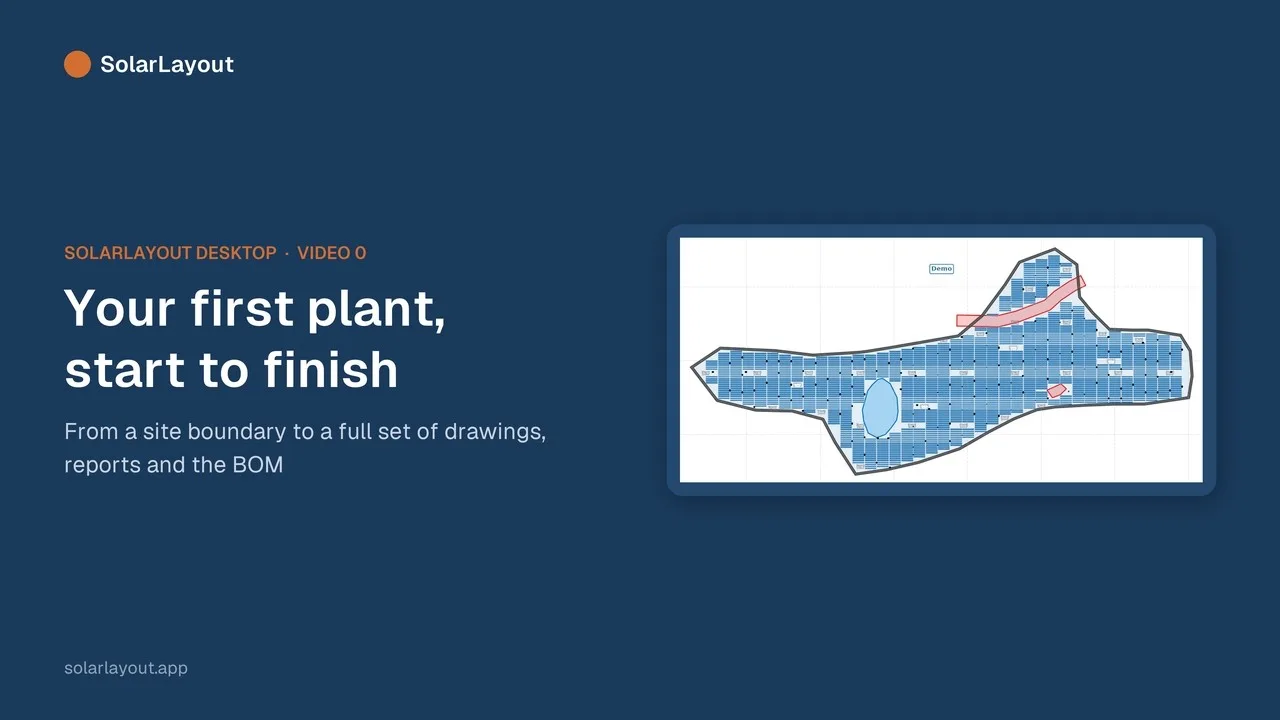
Start here · Video 0
Your first plant, start to finish
The whole journey once: open the sample site, generate the layout, read the summary and checks, run the energy, look at the BOM and SLD, export the deliverables, and save.
A
Getting started
4 videos · 11 min 2:4311Free trial and licenceLicense / Subscription · The access chip in the header · Activating this computer
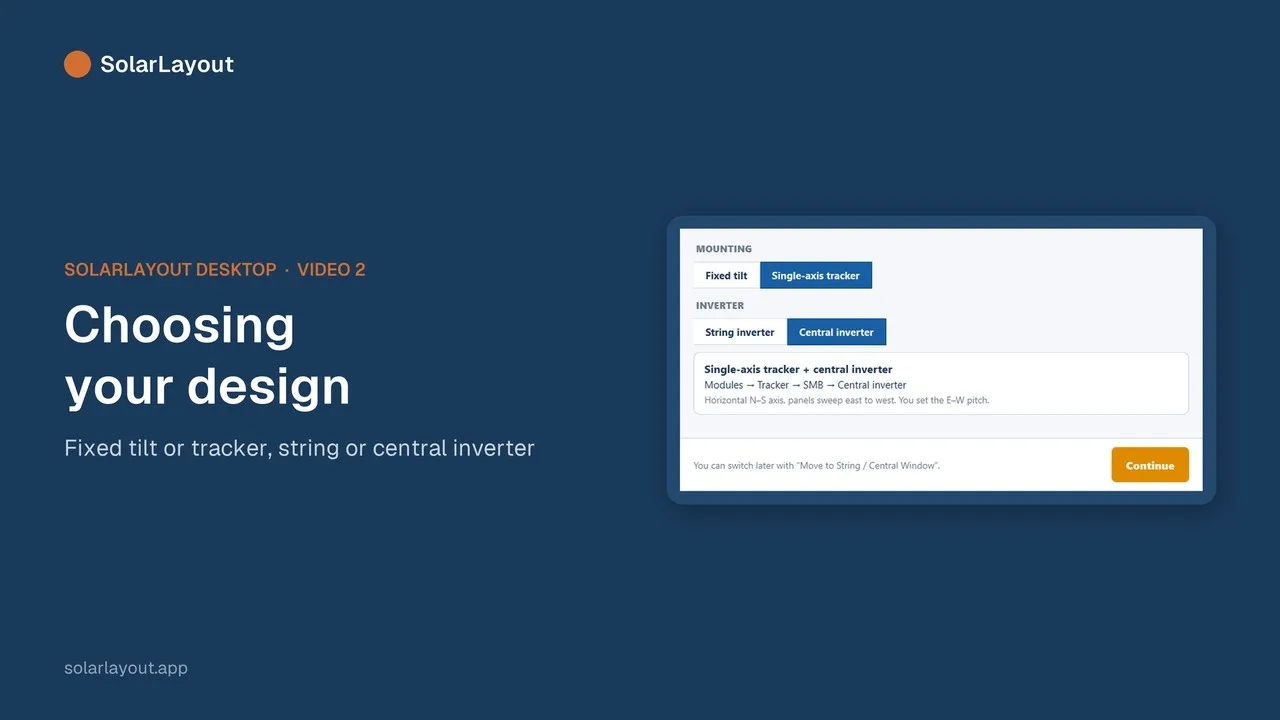 3:1022Choosing your designThe start screen: fixed tilt or single-axis tracker, string or central inverter · File ▸ New Project · Move to String / Central Window
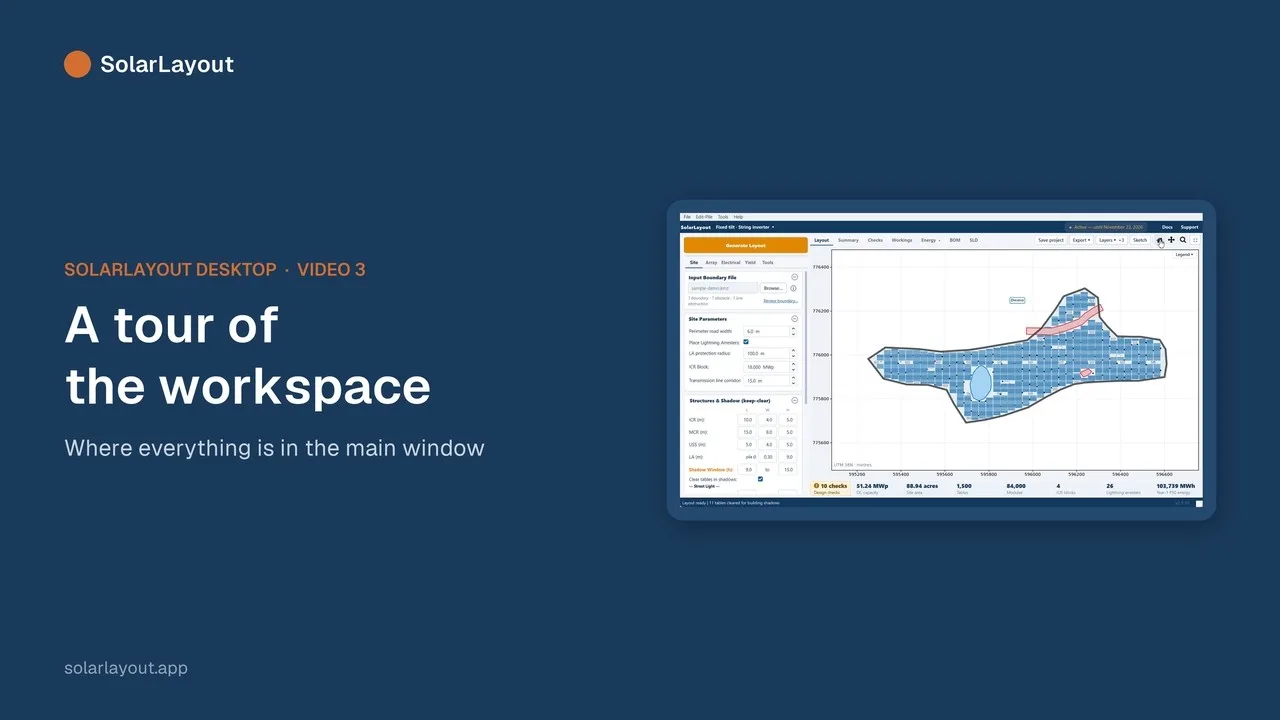 3:0233A tour of the workspaceThe Site, Array, Electrical, Yield and Tools tabs · The Layout, Summary, Checks, Workings, Energy, BOM and SLD views · The totals strip · Help (F1) and Support
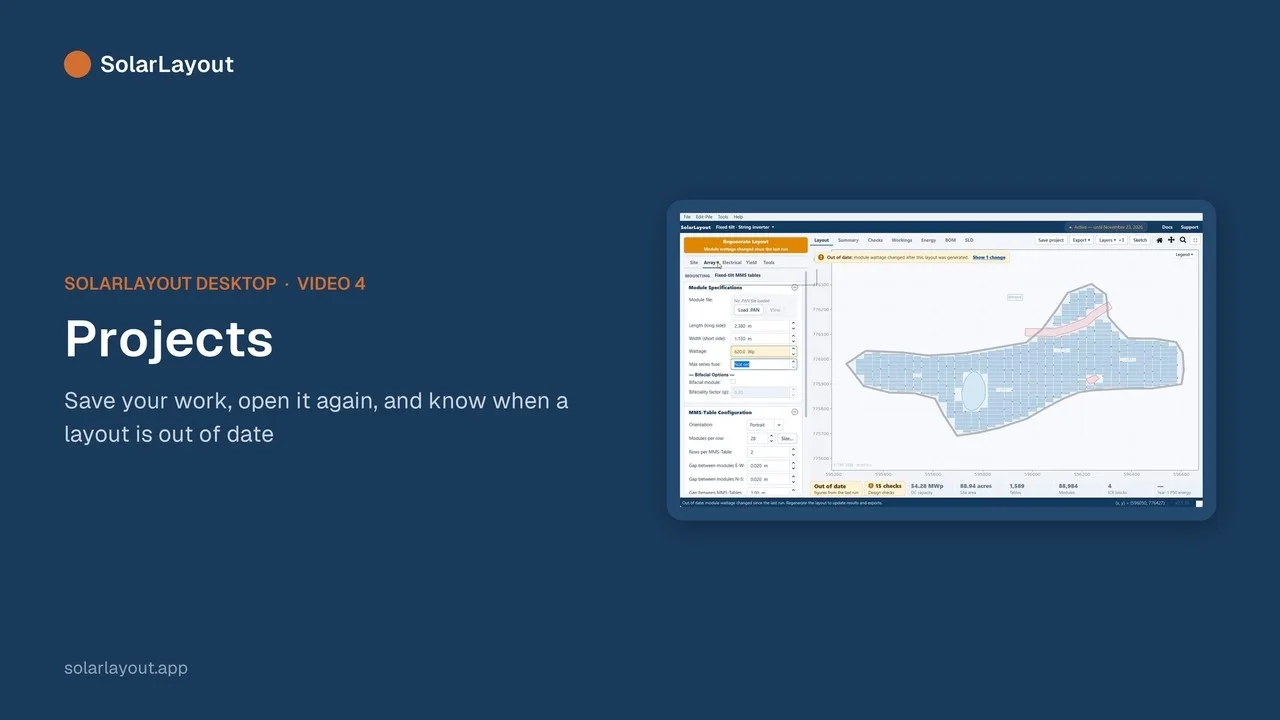 2:2844ProjectsOpen Sample Site · Save and open a project (.slp) · The notes that say a result is out of date
B
Site
5 videos · 10 min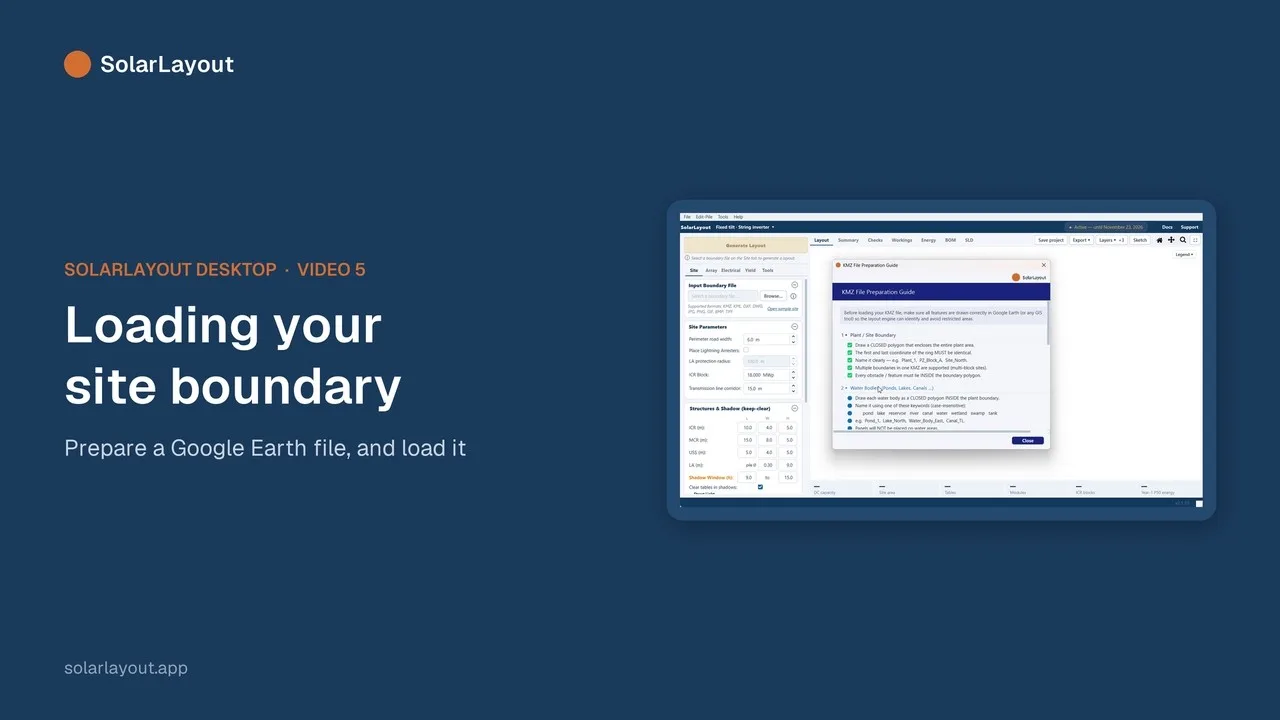 2:1655Loading your site boundaryKMZ, KML, DXF and DWG files · The boundary file preparation guide
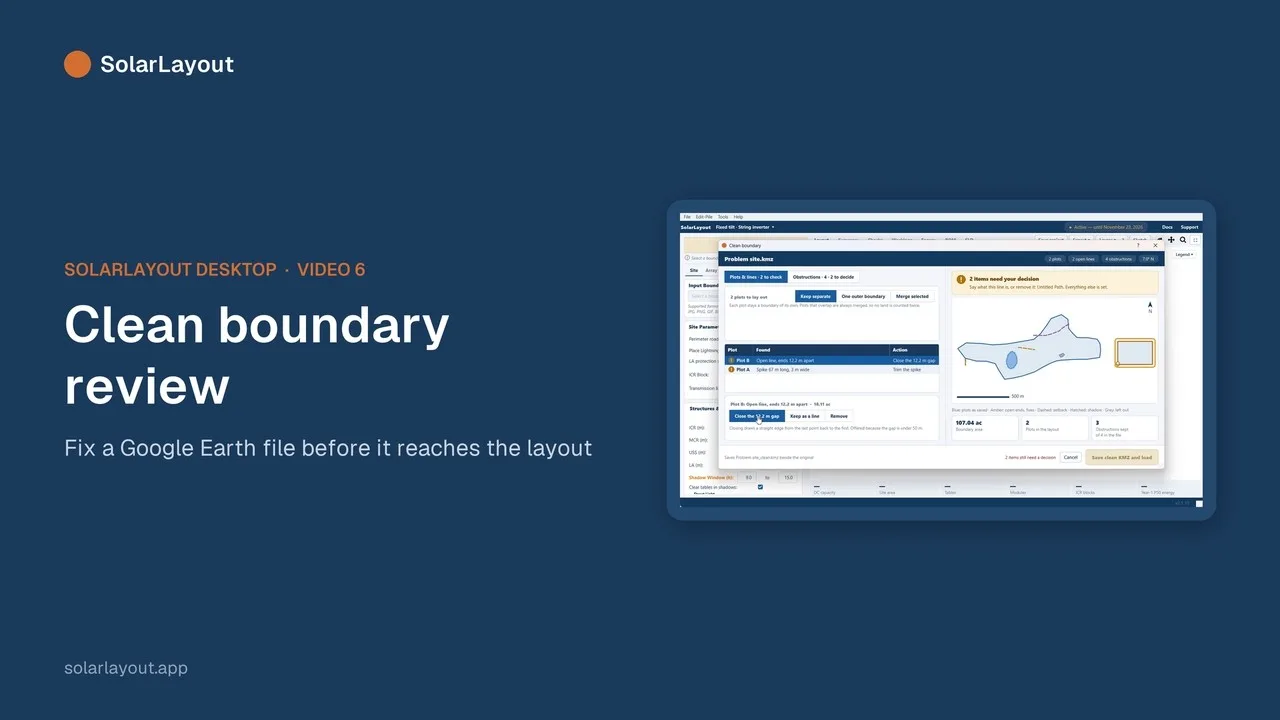 2:1666Clean boundary reviewOpen lines, spikes, crossings, duplicates and holes · The types of obstruction · Picking parcels on a village survey map · The warning when the land looks too big
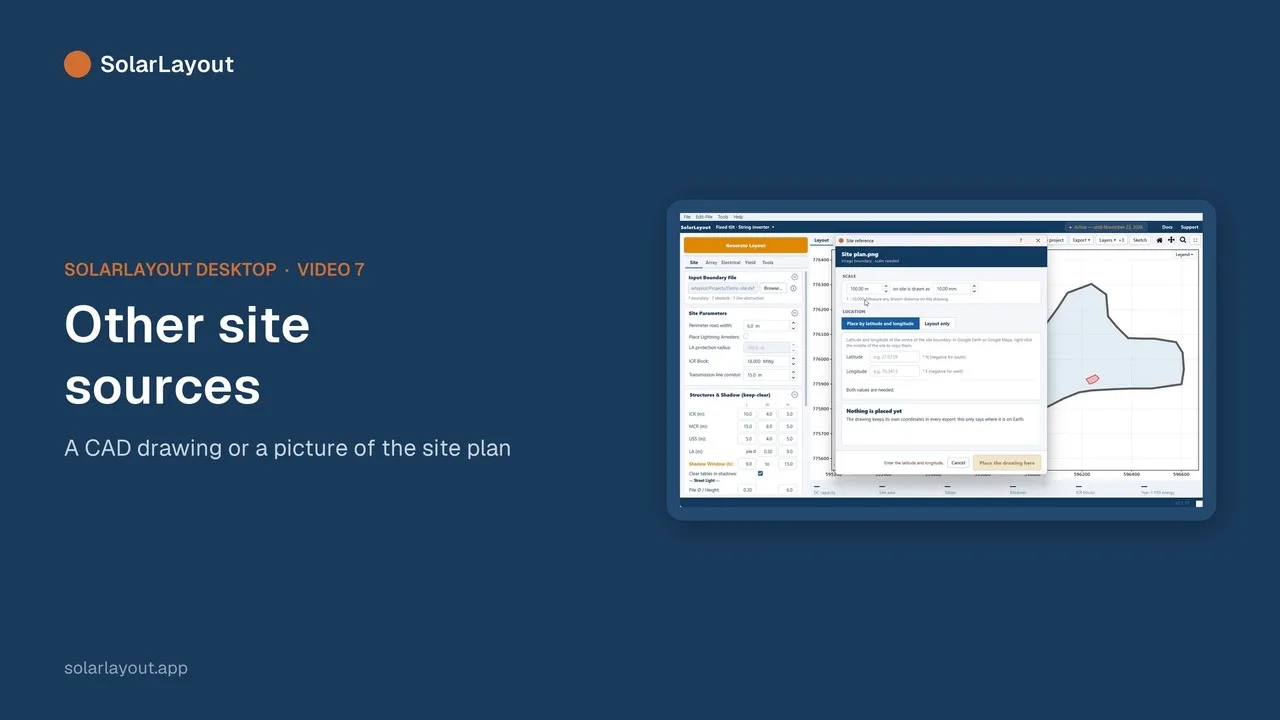 2:0077Other site sourcesA DXF with a site reference · A site image with a scale
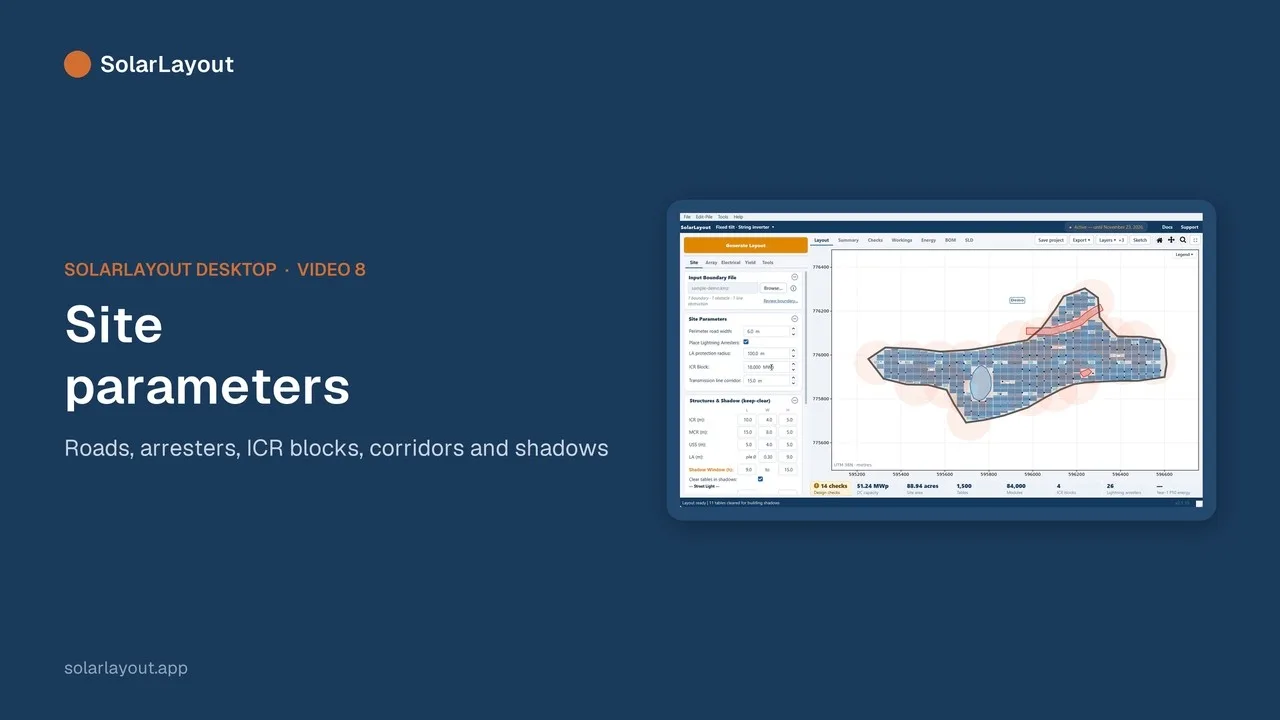 2:1288Site parametersPerimeter road and transmission-line corridor · Lightning arresters · ICR block size · Street lights · Keep-clear around structures and their shadows
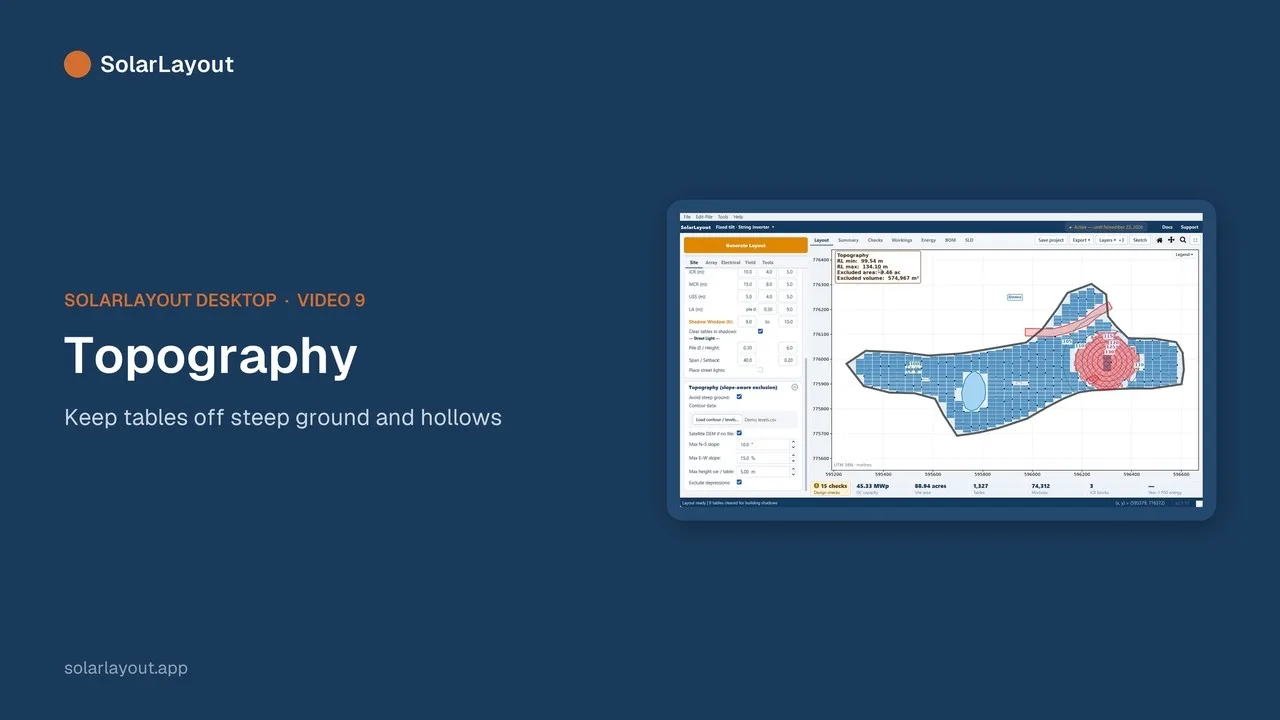 1:3799TopographyA contour or levels file, or satellite elevation · Slope limits · Excluding low ground
C
Array
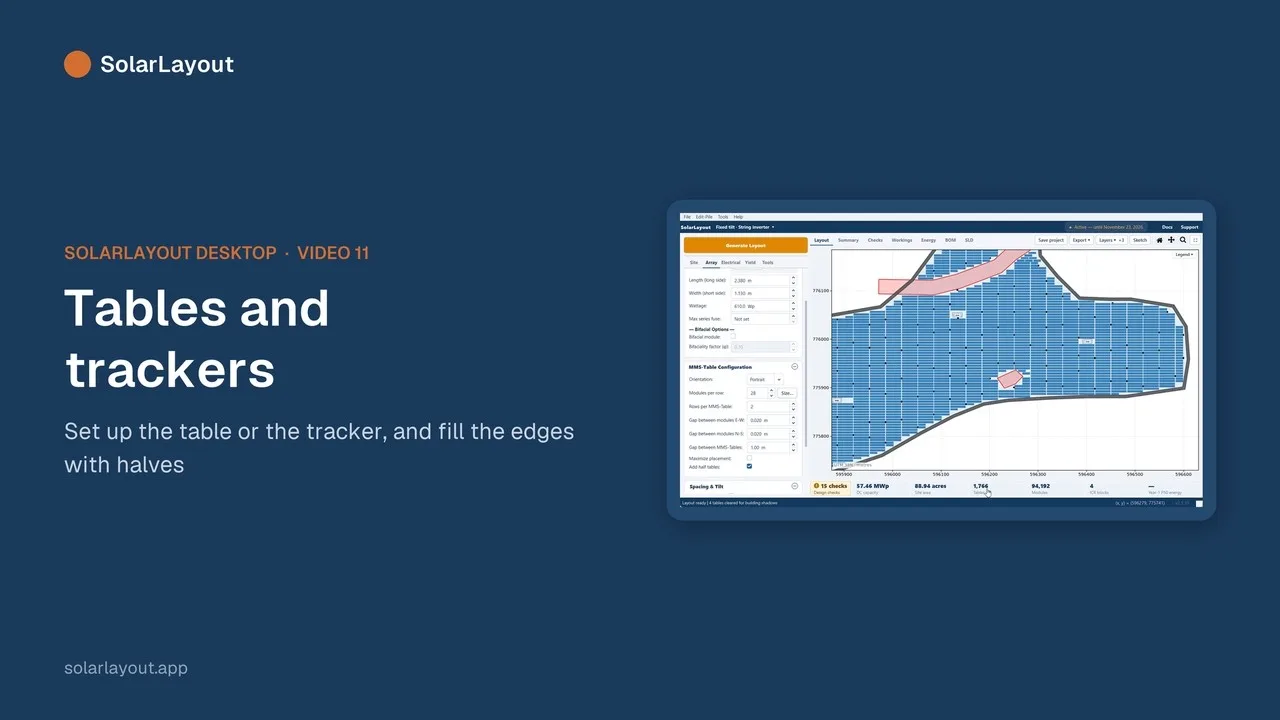
3 videos · 5 min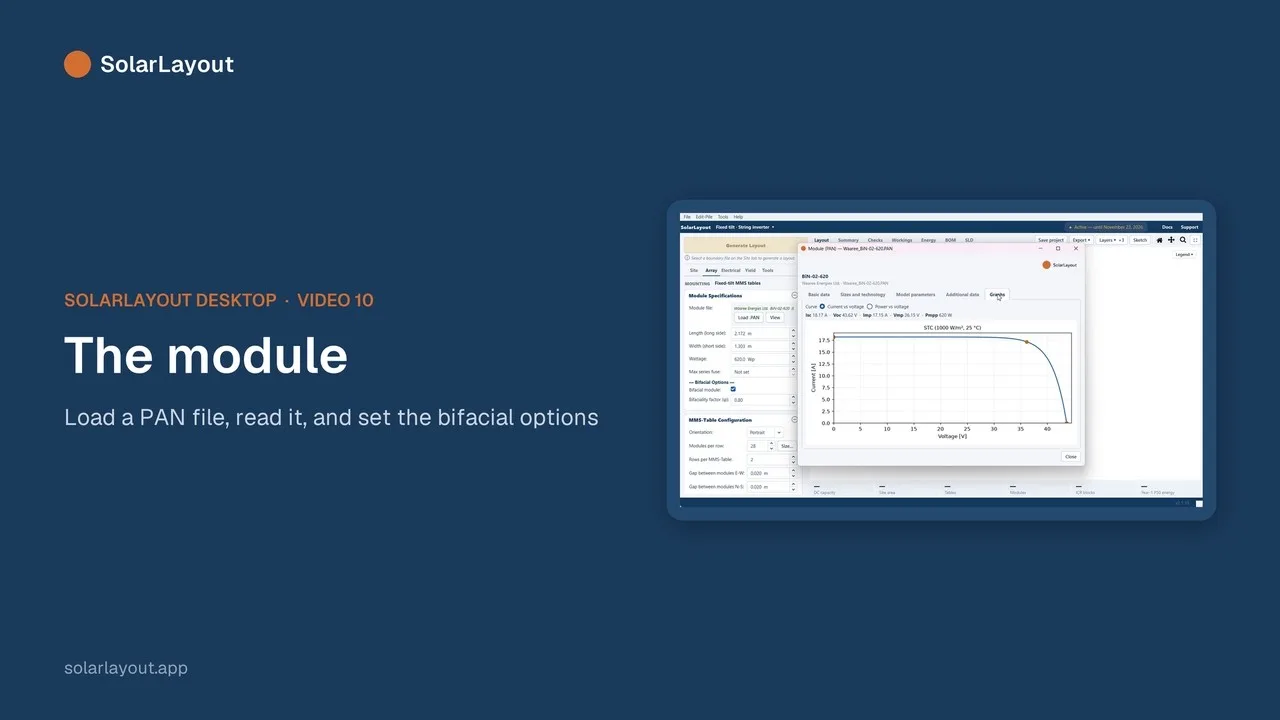
D
Electrical
4 videos · 7 min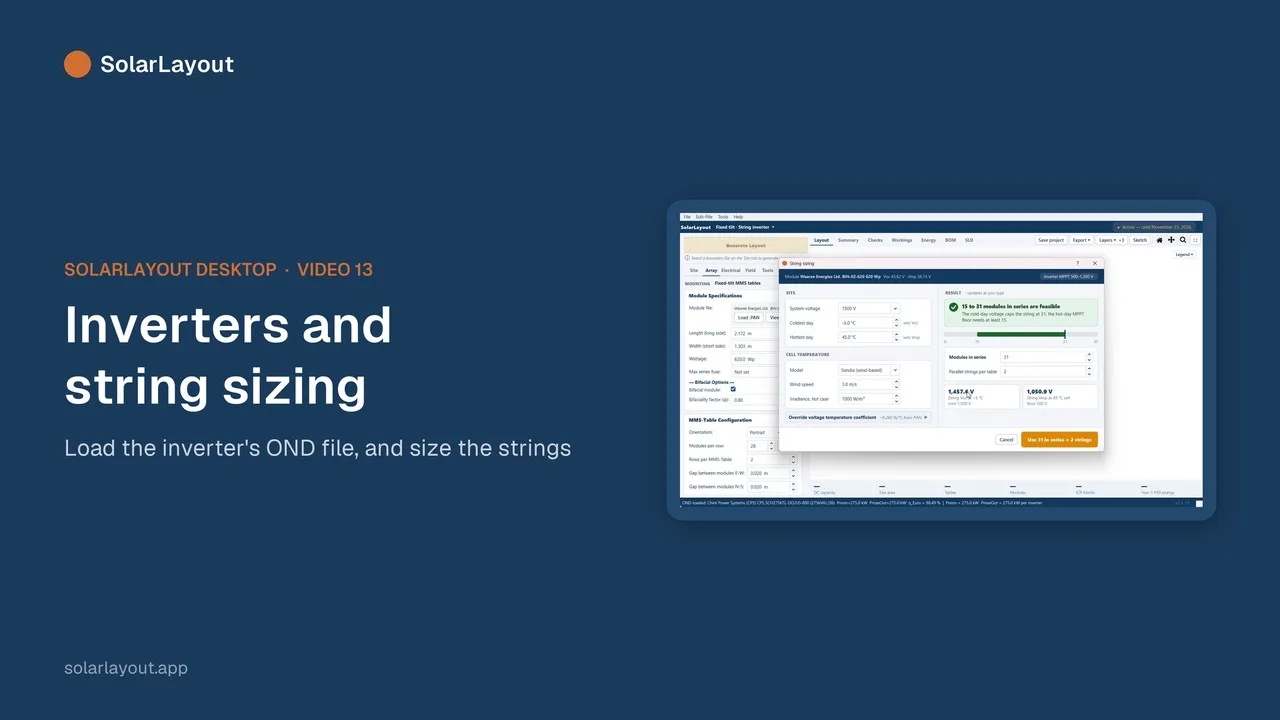 1:401313Inverters and string sizingLoading a .OND file · The inverter viewer · The string-sizing calculator · SMBs with central inverters
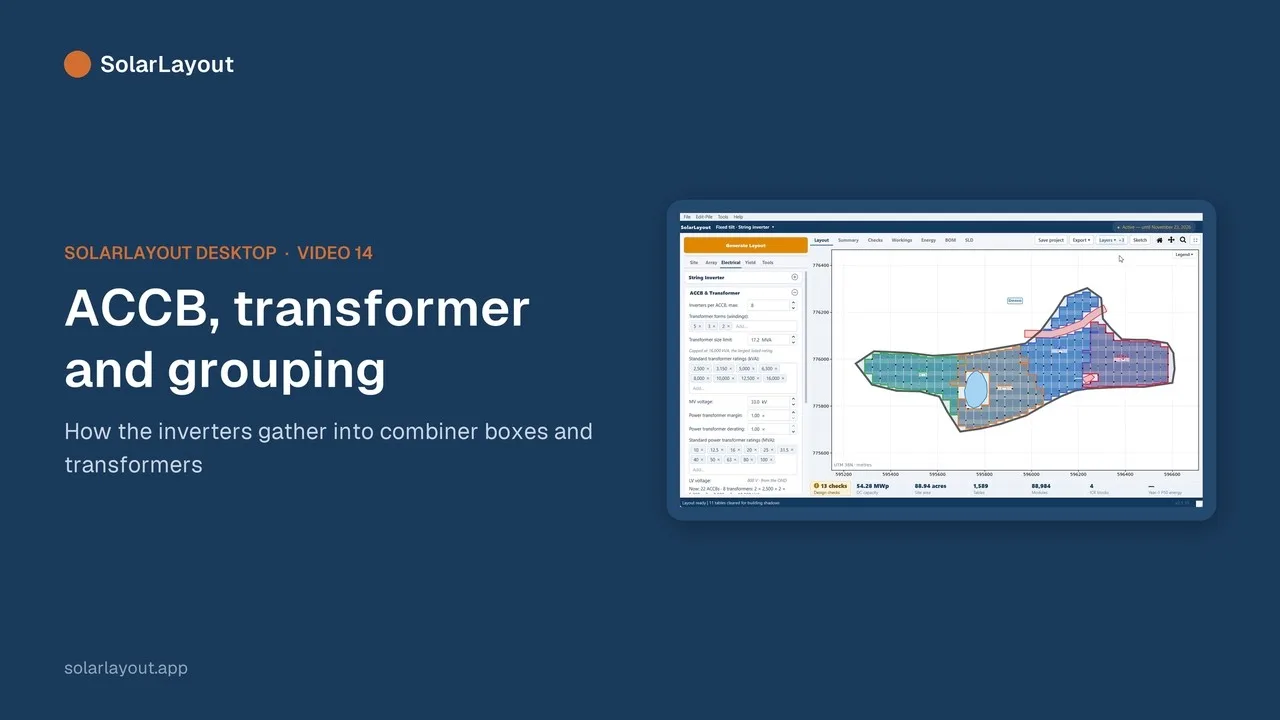 1:461414ACCB, transformer and groupingLV and MV voltage · The transformer size limit and margin · ICR blocks
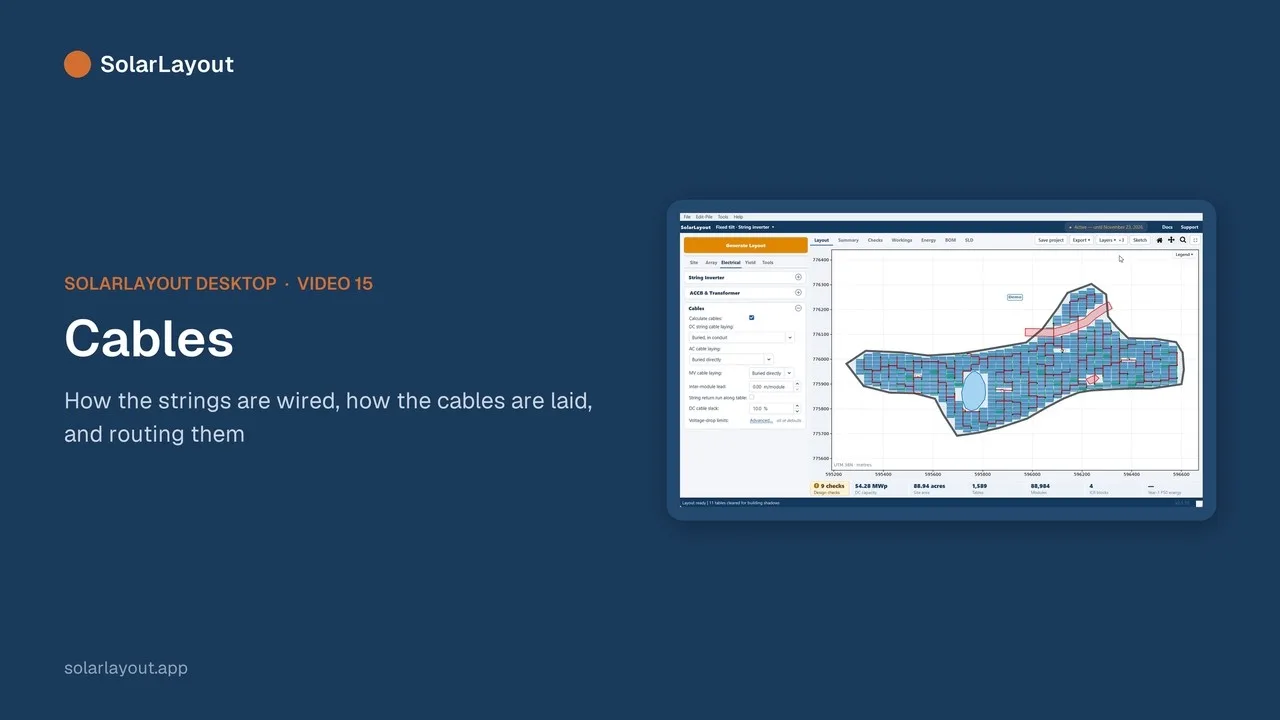 1:481515CablesThe DC harness (1:1 or Y) and string fuses · How each cable is laid · Voltage-drop limits · Communication and weather stations
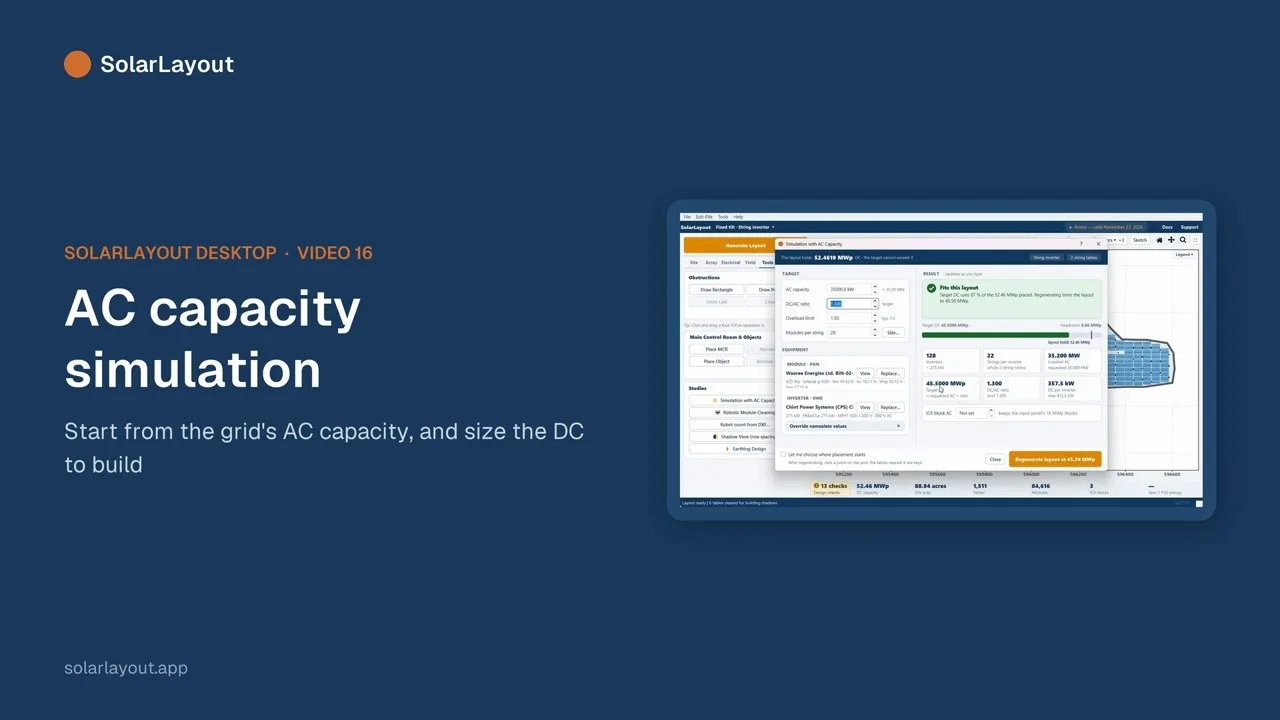 2:141616AC capacity simulationThe Simulation with AC Capacity study
E
Generate and edit
4 videos · 7 min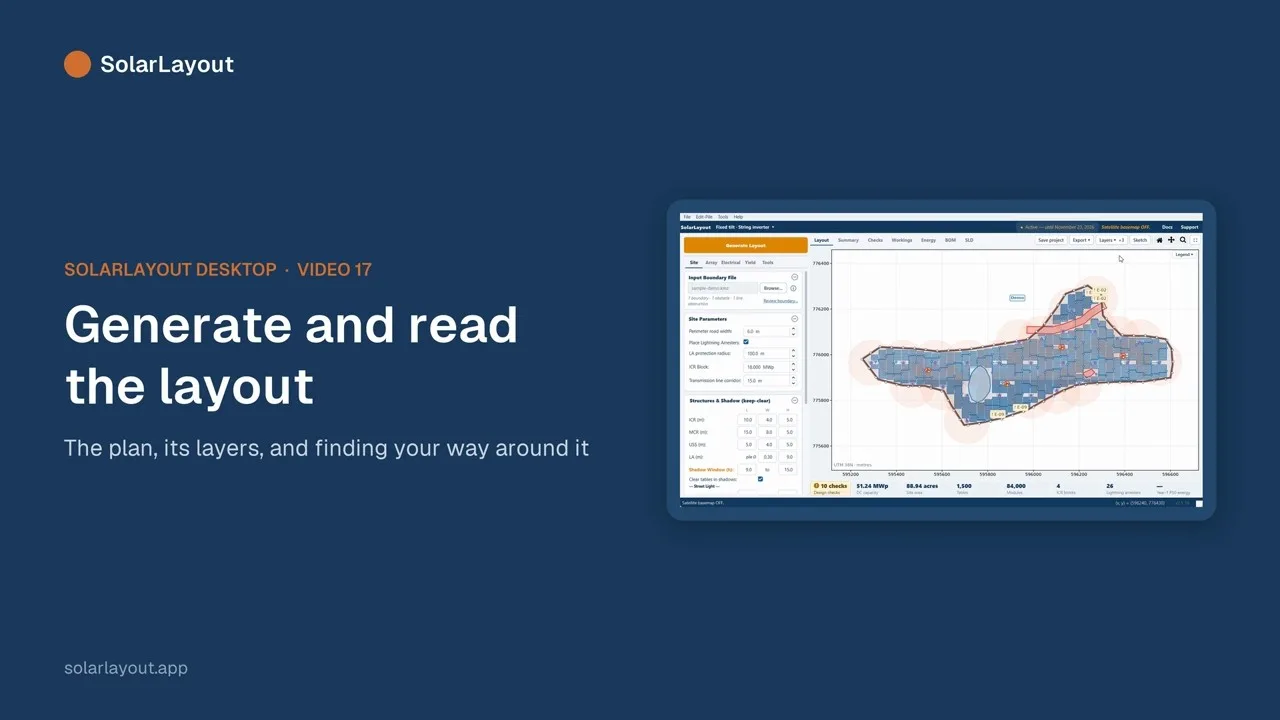 2:111717Generate and read the layoutGenerate Layout · The Layers menu: cables, arresters, ICR blocks, terrain, earthing, checks · Satellite, wireframe and piles · Pan and zoom
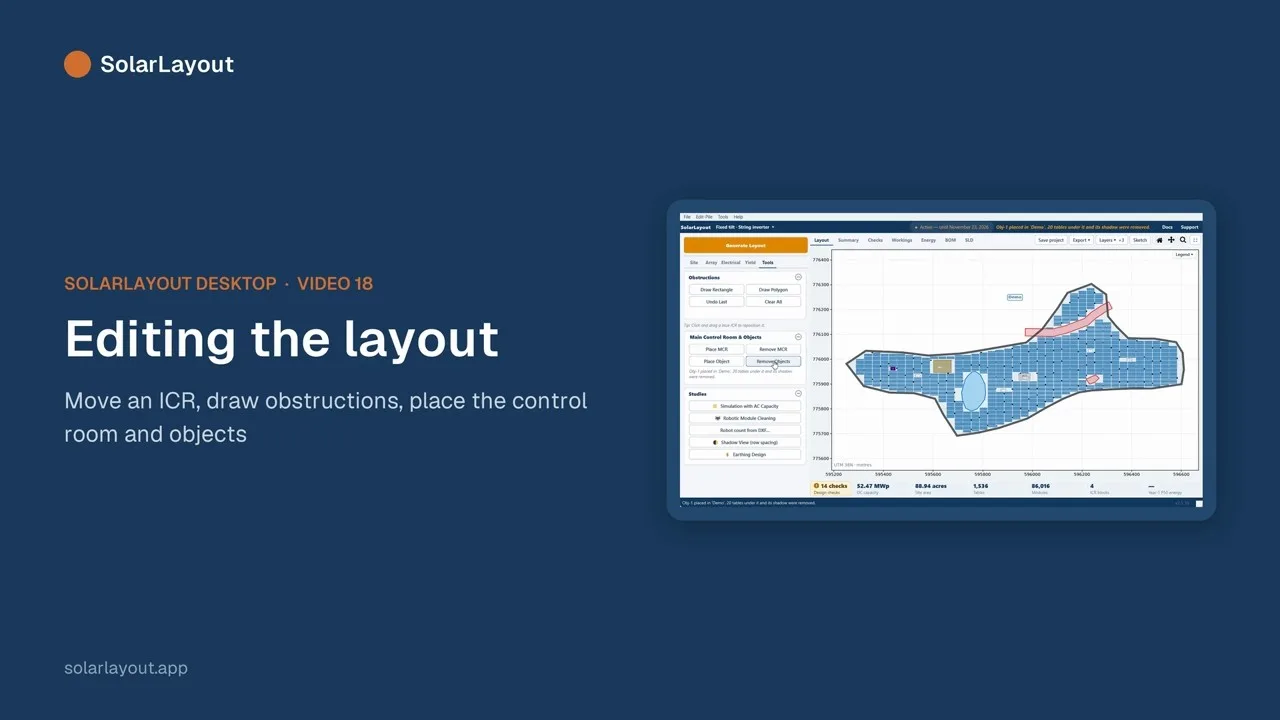 1:551818Editing the layoutDragging an ICR · Rectangle and polygon obstructions · Placing the main control room · Shadow-casting objects
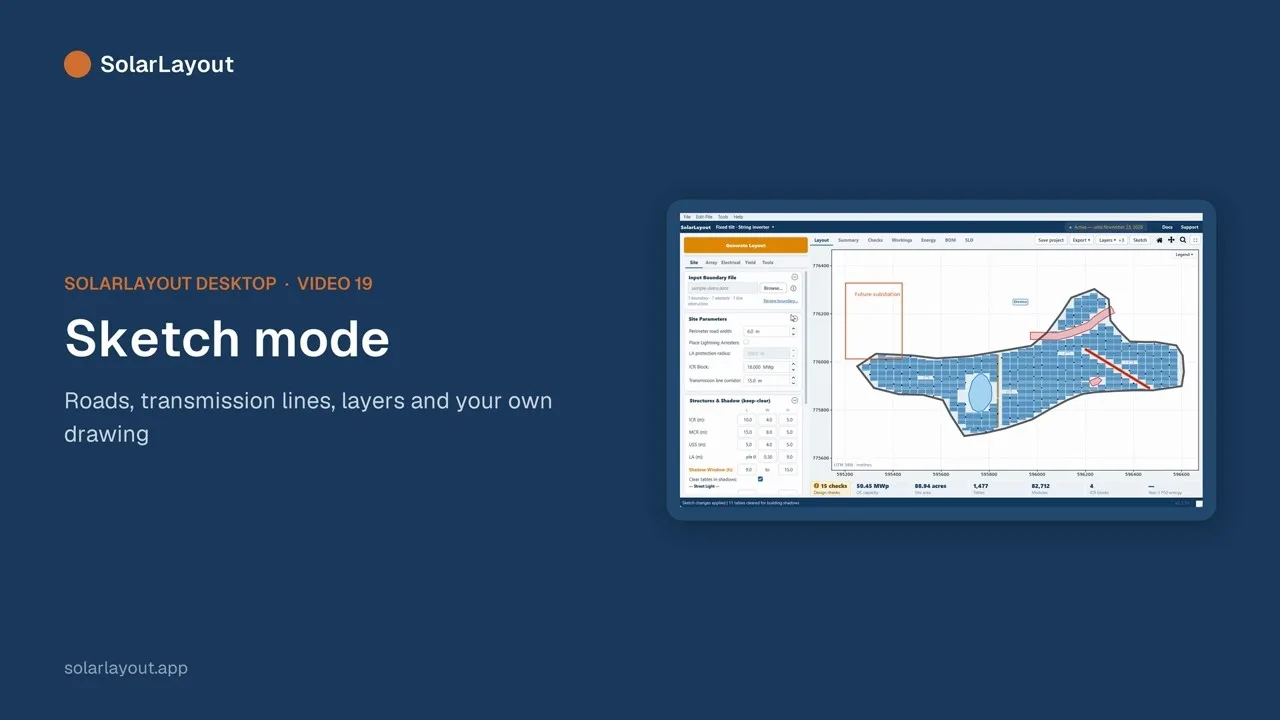 1:511919Sketch modeRoads that move the rows apart · Transmission-line corridors · Layers · Offset, rotate, mirror and scale · Text
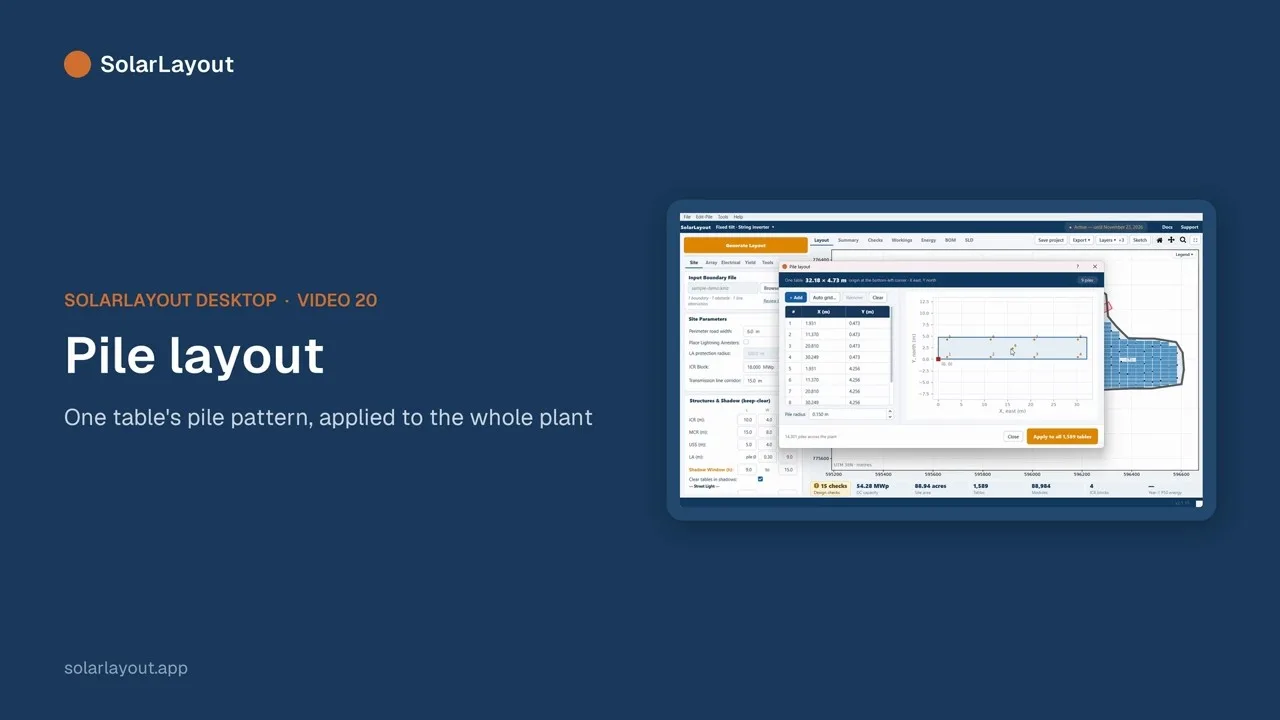 1:312020Pile layoutEdit-Pile ▸ Define Pile Layout
F
Results
5 videos · 7 min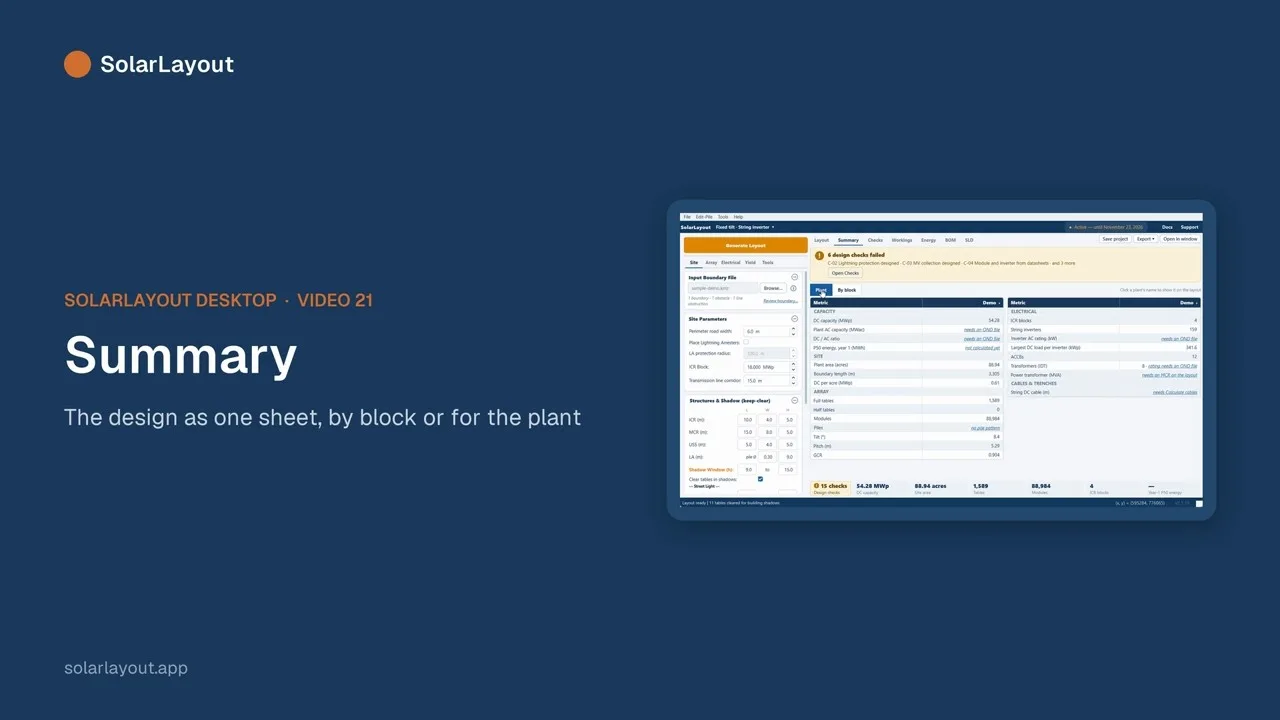 1:212121SummaryPlant or By block · The How? links
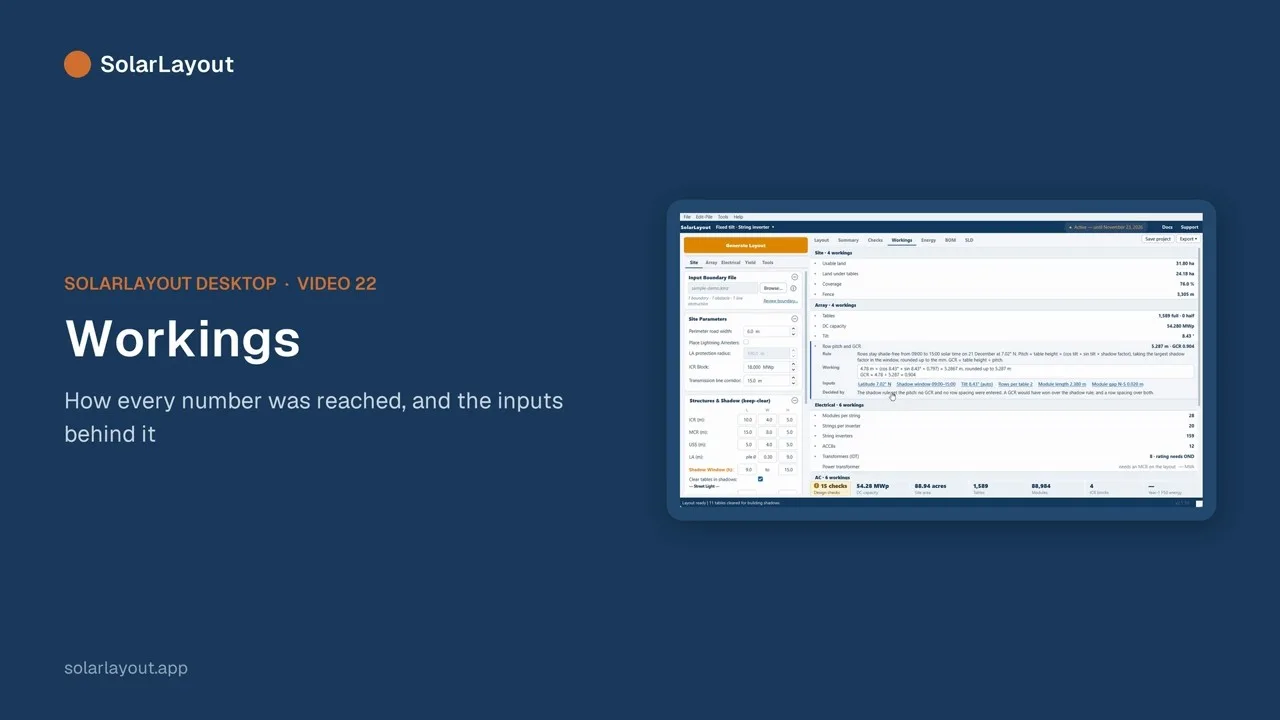 1:072222WorkingsHow every number was reached · Show on layout
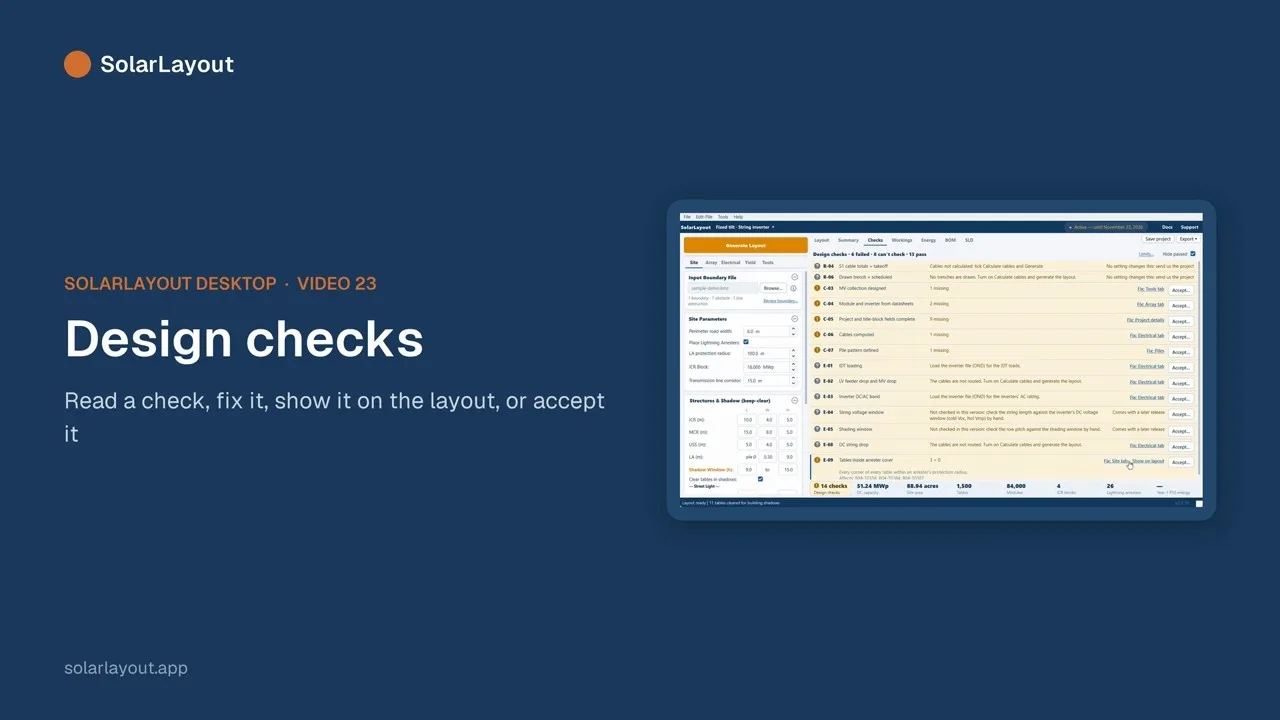 1:232323Design checksReading a check and fixing it · Showing it on the layout · Accepting or withdrawing it
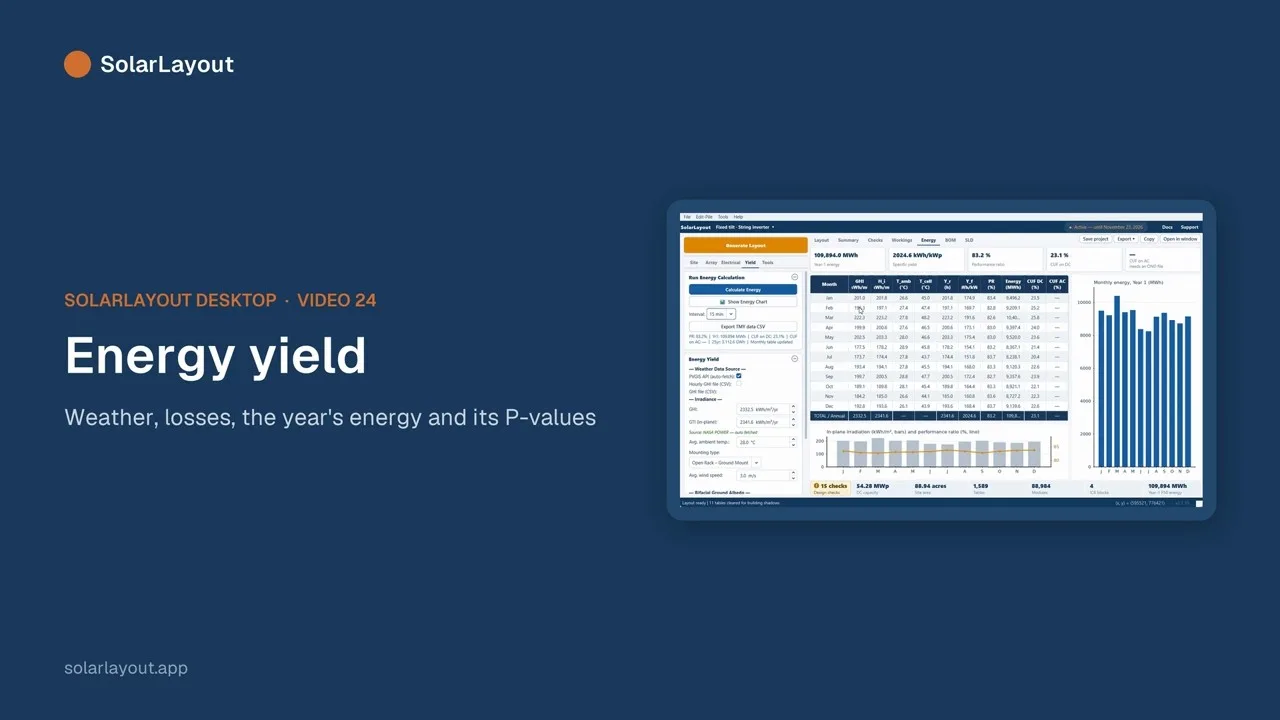 1:512424Energy yieldWeather sources: PVGIS or your own files · Losses · P50 / P75 / P90 · The energy chart and the 7-day chart · The TMY CSV export
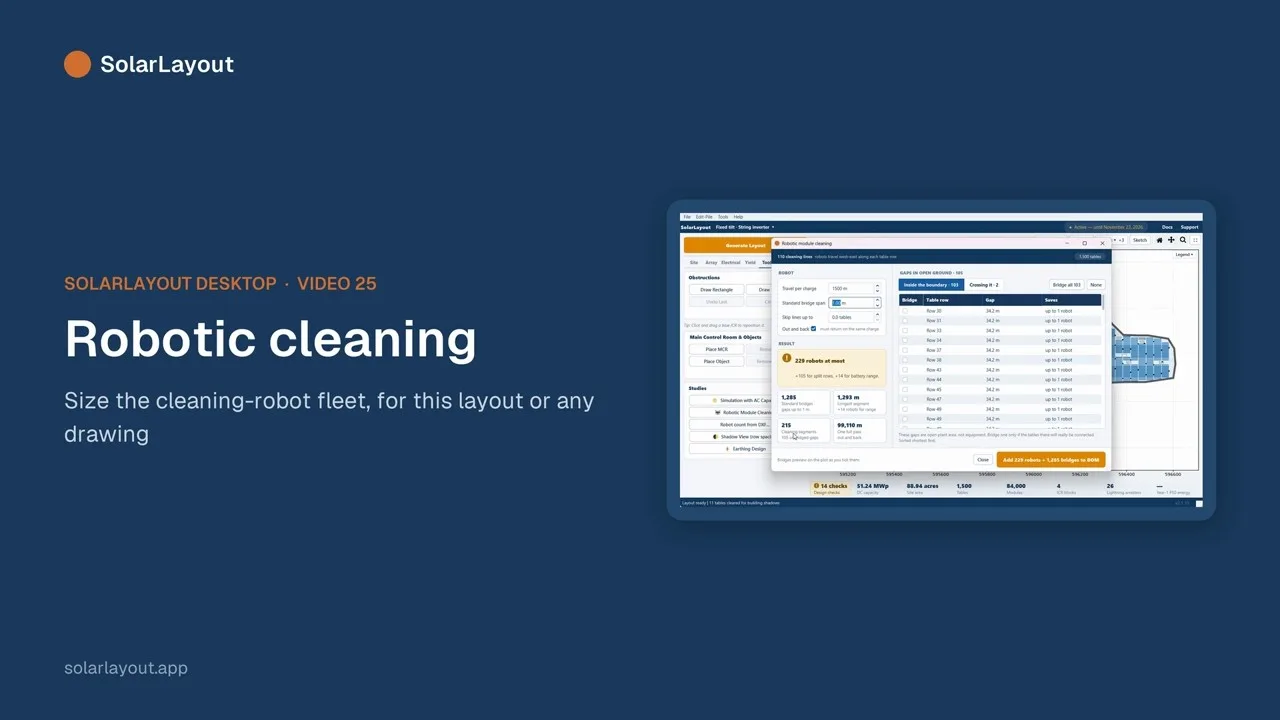 1:432525Robotic cleaningThe Robotic Module Cleaning study · Robot count from DXF
G
Deliverables
6 videos · 9 min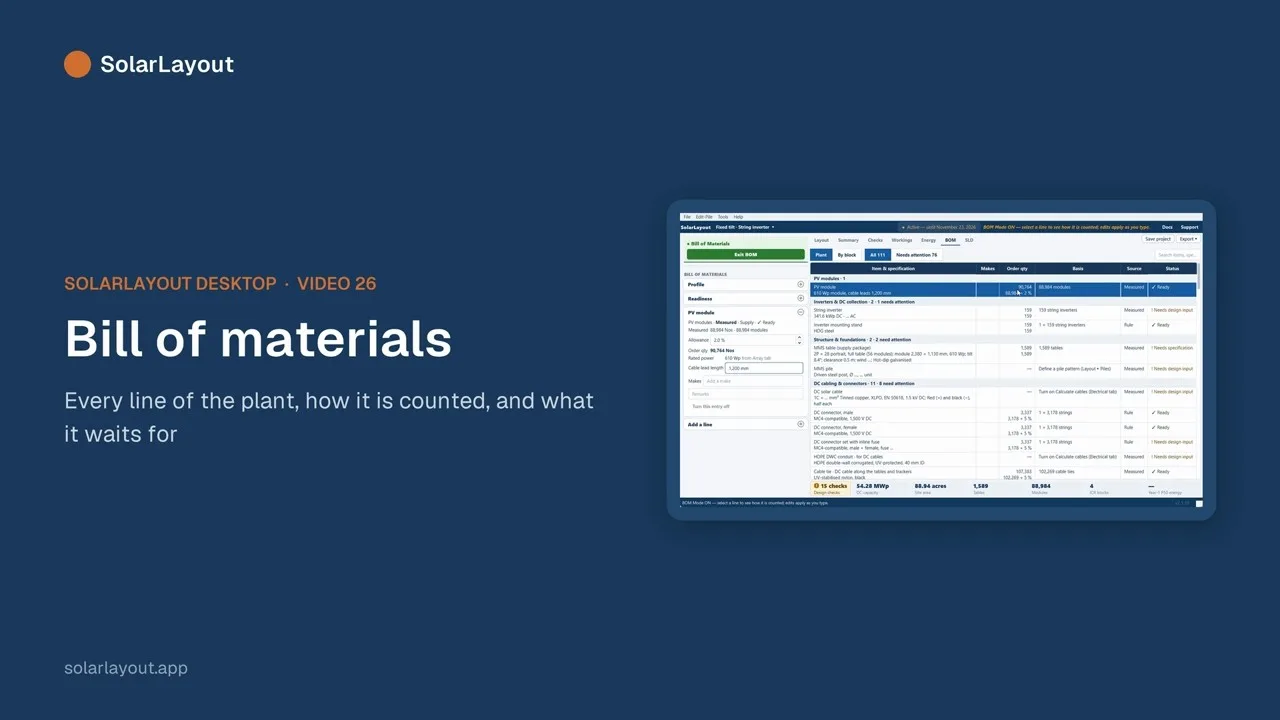 1:372626Bill of materialsThe BOM builder and its readiness check · Profiles · Adding lines · Excel and PDF
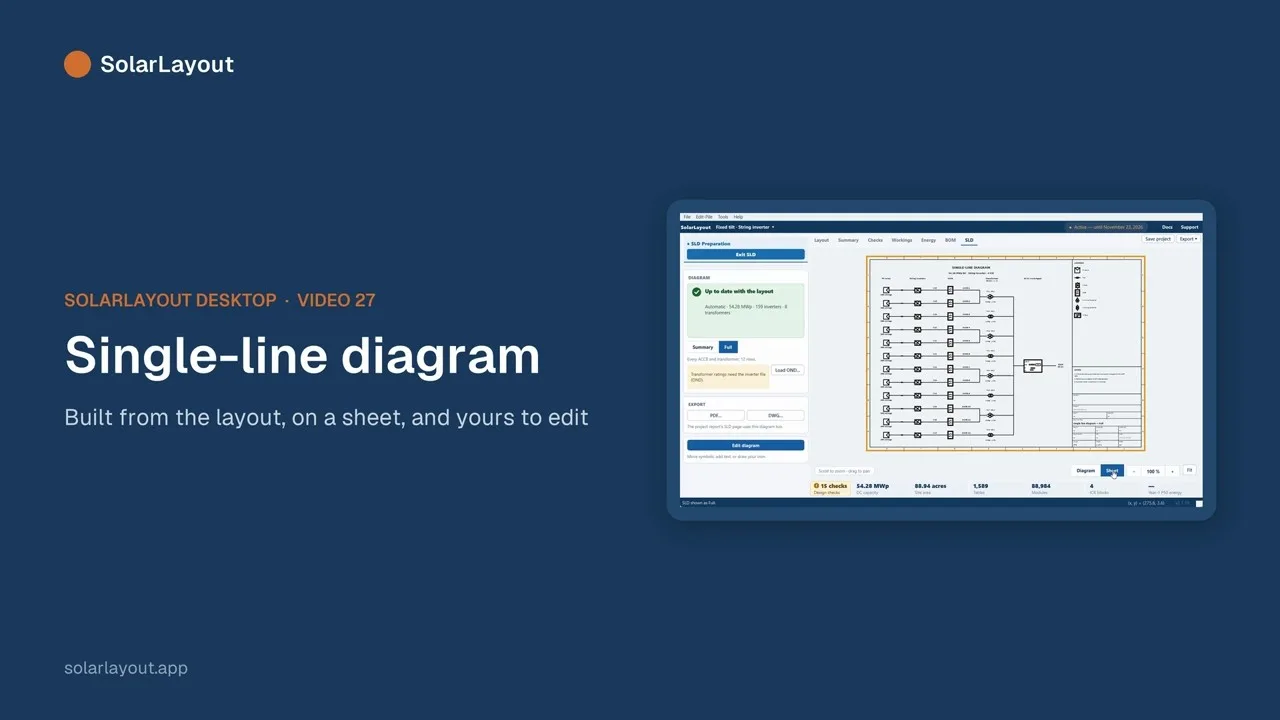 1:352727Single-line diagramReview and Edit diagram · The symbol editor · Tracing a scanned SLD · PDF and DWG
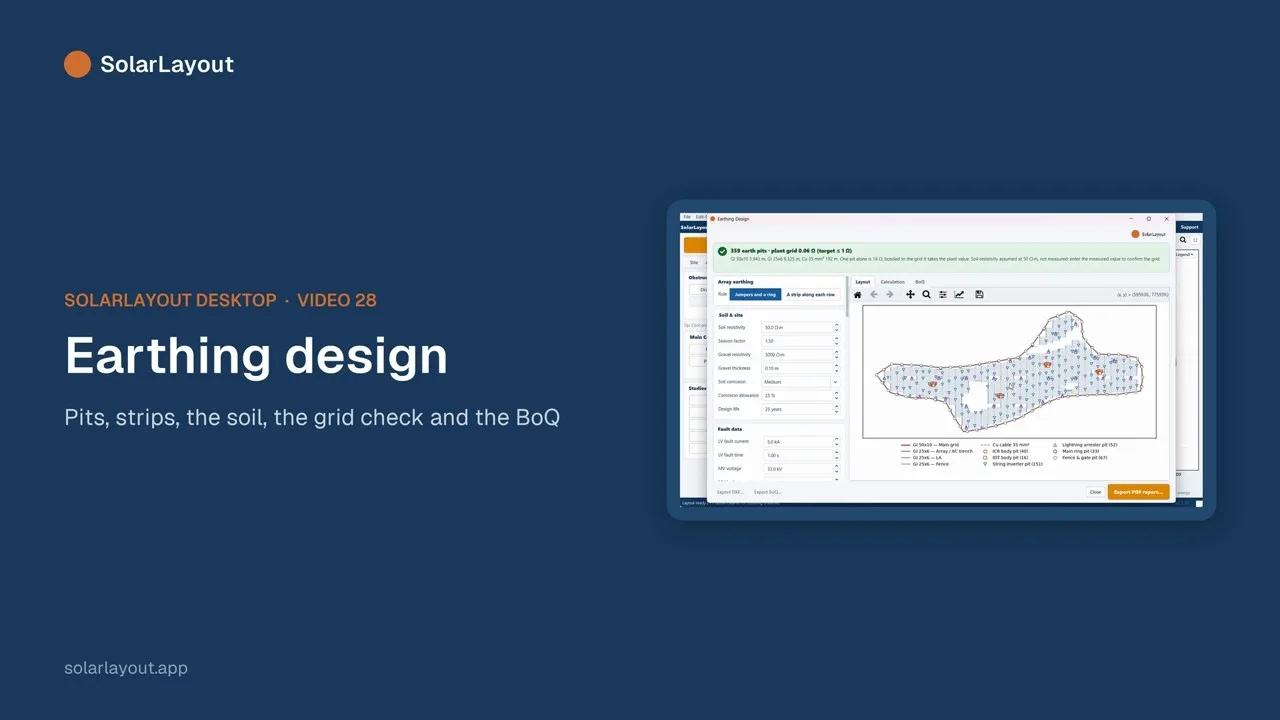 1:392828Earthing designPits, strips and the soil · The earth grid check · The report, the BoQ and the DXF
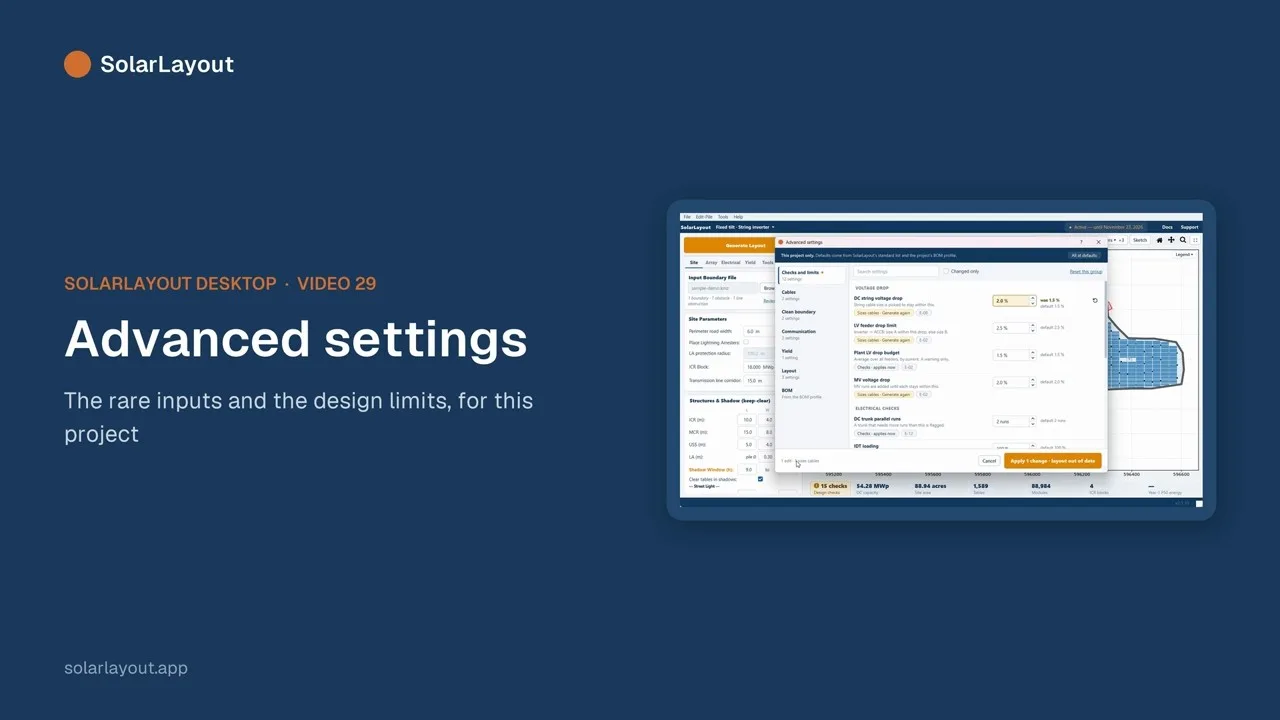 1:172929Advanced settingsThe rare inputs · The design limits
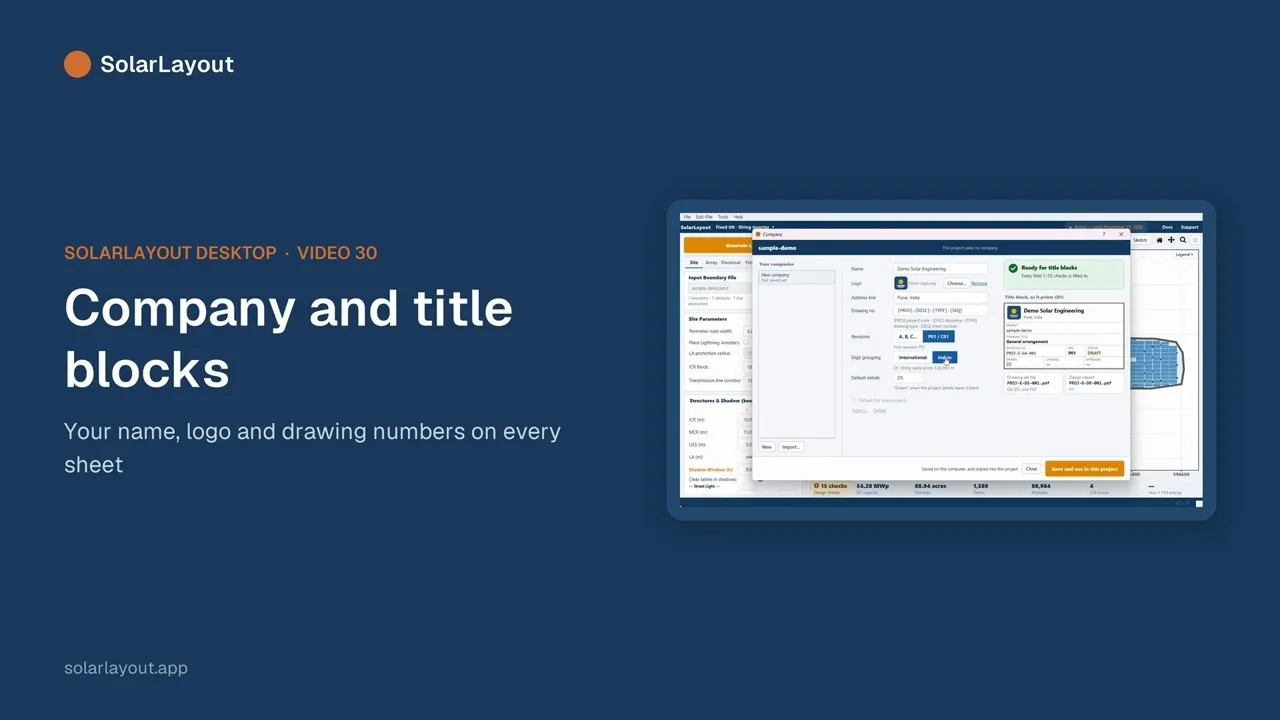 1:193030Company and title blocksFile ▸ Company… · The company name, logo and drawing numbers
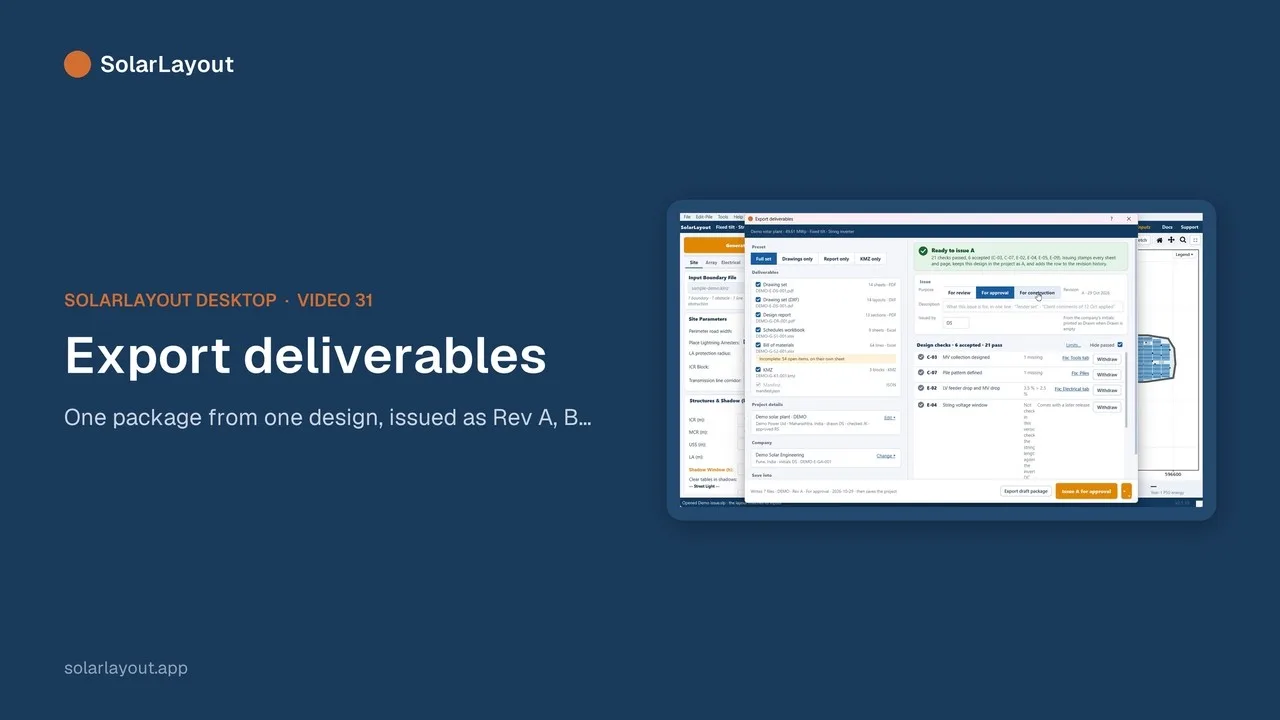 2:003131Export deliverables and issue revisionsThe drawing set (PDF and DXF) · The design report and the schedules · The BOM, the KMZ and piles.csv · Issuing Rev A, B…
Follow along on your own computer: SolarLayout Desktop starts with a free trial.